Systeme.io Landing Page Tutorial
Landing pages are vital for any business. They focus on one goal and help capture leads. A landing page is a focused environment designed to convert visitors into customers or subscribers. For example, whether you’re promoting a product, growing your email list, or launching a course, a landing page puts one offer in the spotlight. Every marketing campaign can benefit from a dedicated page like this. In this Systeme.io landing page tutorial, you’ll see how easy it is to build an effective landing page without coding. Systeme.io simplifies the process with ready-made templates and a drag-and-drop builder, letting you publish a professional page in minutes. This guide explains why every business needs a landing page, and exactly how Systeme.io helps you create one easily, step by step. As you progress through this Systeme.io landing page tutorial, you’ll find it’s straightforward to get your own landing page online.
👉 Start building your landing page now with Systeme.io — Click here for the free account.
Systeme.io Landing Page Tutorial: Quick Overview of Systeme.io for Beginners
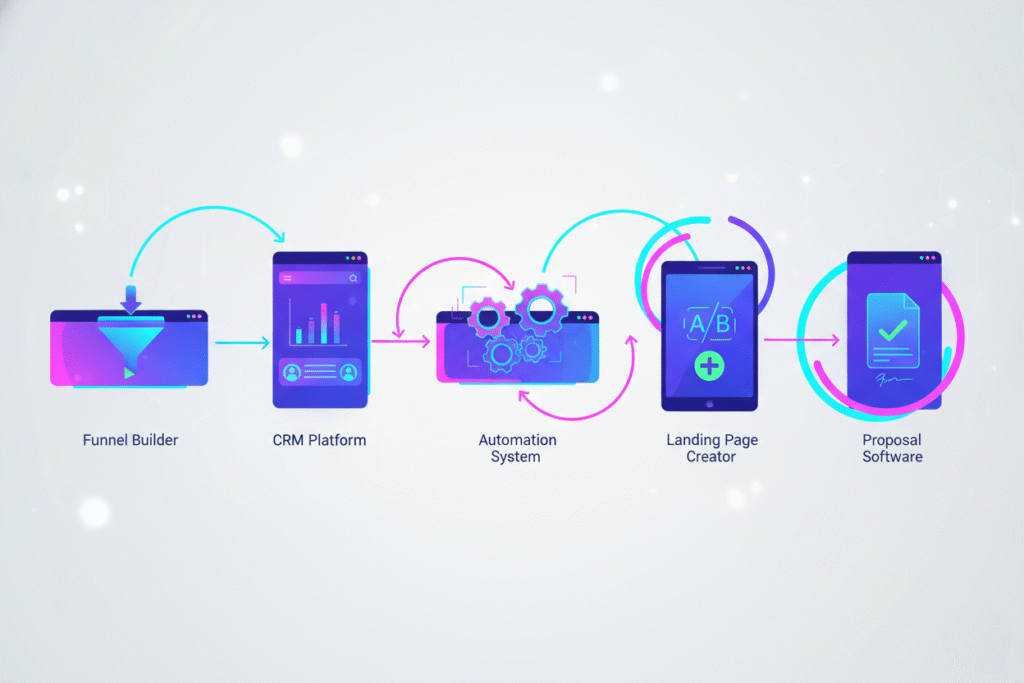
Systeme.io is an all-in-one marketing platform designed with beginners in mind. It offers a user-friendly interface and combines multiple tools into one place. With Systeme.io, you can build landing pages, set up email campaigns, run automation, and more — all without any technical expertise. The drag-and-drop landing page builder and library of customizable templates mean you don’t need coding skills or a design team. Even on the free plan, you get hosting and a subdomain for your pages. This makes it perfect for beginners getting started.
If you want to follow along inside Systeme.io, open your free account here.
Because everything is integrated, you won’t need separate accounts or complicated setups. In minutes, you can log in, create a new funnel or landing page, and start building. The platform walks you through each step in a clear, logical way, so beginners learn as they build. In this tutorial, you’ll focus on creating one great landing page, and you’ll find that Systeme.io keeps the process smooth and simple. For now, think of this overview as the first part of your Systeme.io landing page tutorial.
By the way, If you want a broader view of the landscape, I’ve also put together a complete 2026 guide to digital tools covering AI, CRM, productivity platforms, automation tools and more.
Systeme.io Landing Page Tutorial: Step-by-Step Walkthrough
In this section of the Systeme.io landing page tutorial, getting your landing page live happens in just a few steps:
- Sign Up for a Systeme.io Account. Go to the Systeme.io website and create a free account. Enter your name and email, set a password, and confirm your email address. The free plan gives you enough features to start building. Once you log in, you’ll see your dashboard, which is the starting point for everything you create.
- Create a New Funnel or Campaign. In your dashboard, click to create a new funnel (or campaign). Give it a name like “Lead Magnet Funnel” or “Product Launch Page.” Systeme.io will ask about your goal (for example, growing your email list or selling a product). Choose the option that fits your needs. This helps Systeme.io suggest the right steps for your funnel.
- Choose a Landing Page Template. Inside the new funnel, add a step and select “Landing Page.” Browse the template library. Systeme.io offers many professional designs, from simple opt-in pages to product promo pages. Pick a template that matches your goal. For example, if you want to collect sign-ups, choose a lead-generation template. Don’t worry if the style isn’t perfect — you can customize it next.
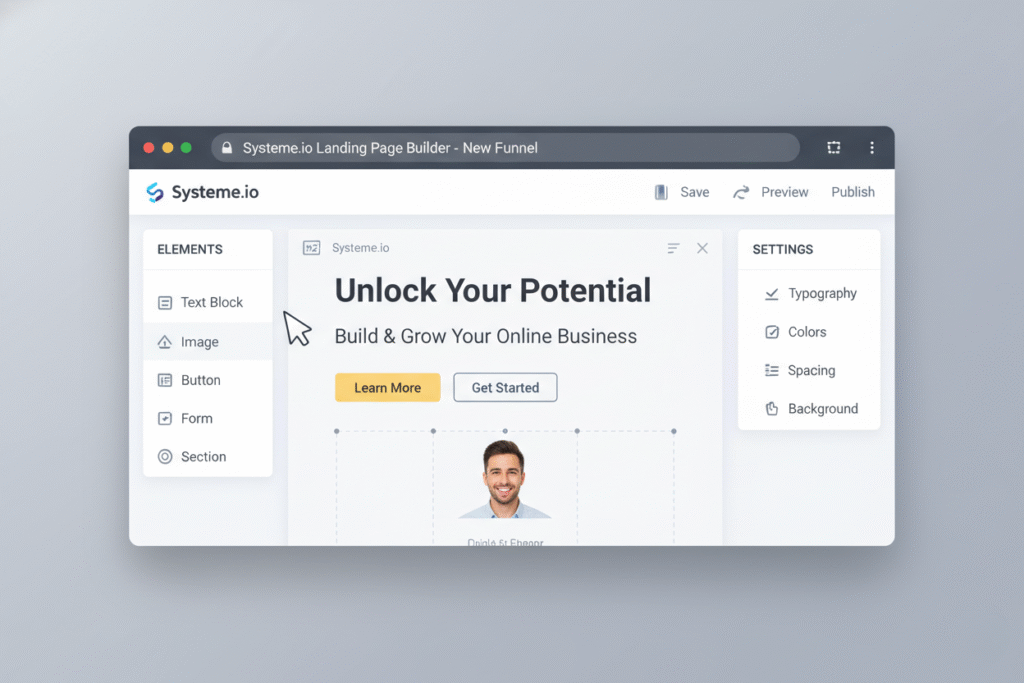
- Customize Your Page. Now edit the template. Use the drag-and-drop editor to change the layout, text, and images. Click any text box to type your own headline and description. Change colors and fonts to match your brand. Replace any placeholder image or logo with your own. If the template has a form, set the field labels (like “Name” and “Email”) and choose which email list it should connect to. Make your copy clear and persuasive to keep visitors interested.
- Preview and Publish. Once you’ve customized the page, preview it one more time. Click “Save” and then “Publish” (or “Go Live”). Systeme.io will publish the page on a free subdomain (for example, yourbrand.systeme.io/pagename) or you can connect your own domain for a professional URL. After publishing, your landing page is live. Test it by submitting the form to ensure it works. Now you’re ready to capture leads and conversions.
👉 Click here to create your Systeme.io account using my recommended link.
With these steps, you’ve completed building your landing page. It’s now published and linked to your email list, ready for traffic from ads, social media, or your newsletter.
Systeme.io Landing Page Tutorial: Tips for Design, Copywriting, and CTAs
In this part of the Systeme.io landing page tutorial, you’ll find design, copywriting, and CTA tips to help your page convert better:
- Keep the Design Clean: Use plenty of white space and a clear layout. Avoid clutter — remove any unnecessary elements. Stick to your brand’s colors and fonts. Place the most important information at the top where visitors see it first. If you use images, make sure they’re high quality and relevant. Always check the mobile preview to ensure text is legible and buttons are easy to tap on phones.
- Write Clear, Benefit-Focused Copy: Your headline should immediately tell visitors what they gain. Focus on benefits, not just features. Use short paragraphs and bullet points to make the information easy to digest. Write in a friendly, direct tone. For example, instead of “Email Marketing Course,” try “Grow Your Email List in 7 Days.” Replace any template text with your own words so the page reflects your offer exactly.
- Include Social Proof: When you follow this Systeme.io landing page tutorial, make sure to add any testimonials or customer quotes you have to the page. Social proof builds credibility, and even one good quote can make a difference. Place testimonials near the call-to-action to reassure skeptical visitors.
- Craft a Compelling Call-to-Action (CTA): The CTA button should clearly say what happens when clicked (for example, “Get Instant Access,” “Download Now,” or “Join Now”). Make the button stand out with a contrasting color. Put the main CTA above the fold and consider adding another one at the bottom. Remove extra links or navigation around the CTA to keep focus. Keep the text short and action-oriented, and make sure it completes the sentence (for example, “Download Now and Get Your Free Guide”).
By following these design and copy tips in your Systeme.io landing page tutorial, you’ll build a page that looks professional and speaks directly to your audience’s needs.

Systeme.io Landing Page Tutorial: Advanced Tricks – Email, Analytics, and A/B Testing
Once your landing page is live, use these advanced techniques to boost its performance:
- Connect to Email Automation: Use Systeme.io’s built-in email features to nurture your leads. For example, set up an automated welcome email that sends after someone signs up. You can also create an email sequence to nurture your new subscribers. Automation keeps your audience engaged without extra work.
- Use Tracking and Analytics: Systeme.io provides basic stats like conversion rate. Add Google Analytics or a Facebook Pixel to your page for deeper insights into visitor behavior.
- Run A/B Tests: Find out what resonates with your audience by testing variations of your page. In Systeme.io, duplicate your landing page and change one element—like the headline, image, or button color. Then split your traffic between the versions to see which converts better. Only change one thing at a time so you know exactly what’s making the difference.
These advanced ideas go beyond the basic build, but they can significantly boost your results. Once your page is set up, revisit these techniques and implement what makes sense for your campaign. For example, applying these ideas will make the page you built in this Systeme.io landing page tutorial even more effective.
Systeme.io Landing Page Tutorial: Common Mistakes to Avoid
In the final part of this Systeme.io landing page tutorial, we’ll highlight common mistakes to avoid:
- Overly Complicated Design: Don’t cram too much information or too many sections on one page. A cluttered layout can overwhelm visitors. Stick to a single focus and remove anything unnecessary. Also replace any placeholder text or images from the template with your real content. A generic page with default text or images can look unprofessional and confuse people.
- Weak or Vague CTA: Make your button text clear and action-oriented. Avoid generic words like “Submit” or “Learn More.” Instead use specific actions like “Download Ebook,” “Get Free Trial,” or “Join Now.” Visitors should instantly understand what happens when they click.
- Ignoring Mobile Users: Always check your landing page on a smartphone. In Systeme.io’s editor, use the mobile preview option. Ensure text is readable and buttons are big enough to tap. If your page is hard to use on a phone, you’ll lose a lot of potential leads.
- Long Forms: Keep your form short. Asking for too much information (like address or phone) can discourage sign-ups. Only ask for what you really need — often just name and email. The fewer fields, the higher your conversion rate will be.
- Not Testing the Page: After publishing, test every element. Submit the form yourself and make sure it works. Verify that images and links load correctly. A quick test ensures visitors have a smooth experience and don’t encounter any errors.
- No Follow-Up Plan: Capturing a visitor’s email is just the first step. A common mistake is to build the page and then not use the leads. Make sure you have an email sequence or follow-up strategy ready. For example, send a thank-you email immediately, followed by helpful content. Using Systeme.io’s automation features ensures new contacts don’t slip through the cracks.
Avoiding these mistakes will help your landing page work as intended and turn more visitors into leads.
Ready to try these tips inside your Systeme.io landing page? Create your free account here.
Conclusion
Creating a landing page with Systeme.io is simpler than many beginners expect. In fact, this entire Systeme.io landing page tutorial exists to prove it. This Systeme.io landing page tutorial walked you through each step, from signing up to publishing, and shared design and copy tips along the way. For beginners, this Systeme.io landing page tutorial empowers you to create effective pages without any coding. You saw how the drag-and-drop builder and templates take care of the design work, allowing you to focus on your message and offer. Systeme.io’s built-in tools — like email automation and analytics — mean you can grow your list and track results without juggling multiple platforms.
The bottom line: you don’t need to be a tech expert or hire developers. With Systeme.io’s no-code approach and free plan, anyone can build a professional-looking landing page quickly. Now it’s your turn to put these lessons into action. Open Your Free Systeme.io Account Today. Start building your first landing page and watch your business grow.
want to read more about Systeme.io? Systeme.io Review 2026 – A Free Alternative to ClickFunnels?